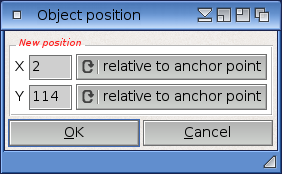
This dialog allows you to set the exact pixel position where your object shall be displayed. Simply enter the new coordinates for your object and press "OK". You can also enter negative coordinates, which moves your object out of the page. Finally, you can also specify whether the position you entered should be interpreted as relative to the object's anchor point or to the top/left edge of the object.